
Narrivelle
404 page
Help customers return to product discovery when a page cannot be found.
Content pages
Build a useful not-found page
Open Customize → 404 page. Narrivelle starts with its 404 section and lets you add discovery sections that are enabled for the 404 template.
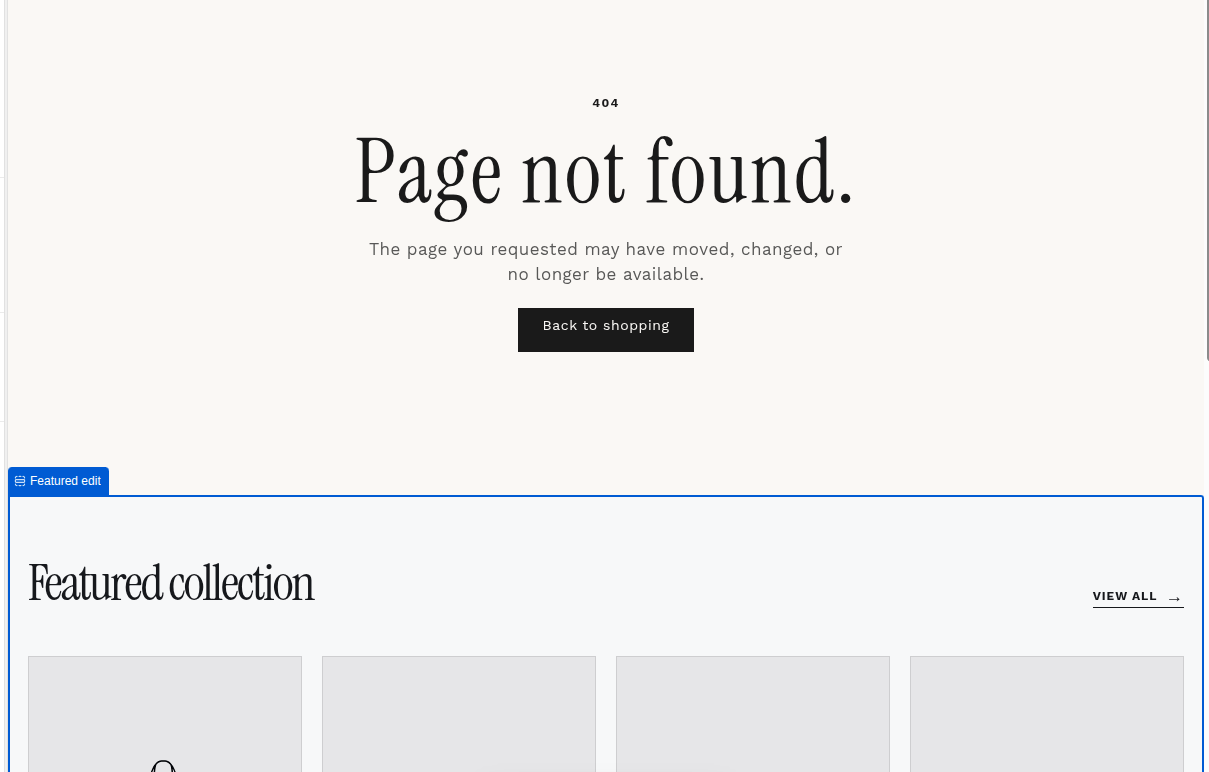
Default 404 section
The core 404 section displays the not-found experience and has no Theme Editor settings.
Featured edit
Add Featured edit to guide customers from a missing URL into a selected Shopify collection. Choose a compact product selection with an appropriate heading.
Collection list
Add Collection list to provide visual links to key Shopify collections. Four cards create the default balanced desktop grid.
Template availability
Featured edit and Collection list are enabled for Home page and 404 page in the current Narrivelle theme. They are not available as addable sections in the Collection template.